Nothing to upload
Your video is captioned and re-encoded right here in the browser. Only the sound goes out — about 0.2 MB a minute — so the words can be recognised, and it isn't kept afterwards.
For Reels · Shorts · Podcasts
Word-by-word captions in English and Hinglish, in twenty-two looks worth posting. Your laptop does the rendering — so the video never leaves your device, and nothing is capped, queued or squeezed.




Your video is captioned and re-encoded right here in the browser. Only the sound goes out — about 0.2 MB a minute — so the words can be recognised, and it isn't kept afterwards.
Tools that render on their own servers pay by the minute, which is why they stop you. Your laptop sends no invoice: a 30-second Reel or a 40-minute podcast, exported as often as you like.
Devanagari that renders properly, code-mixed sentences that stay readable, and a list of your own names and brands so they are spelled right every time instead of guessed at.
How it works
No account to make, nothing to install, no queue to wait in.
An MP4, a MOV — or a recording with no picture at all. The sound goes off to be turned into words; the video stays exactly where it is.
Twenty-two styles, tried on your own footage. Correct a name, move a word, drag the captions to where they belong.
An MP4 with the captions burned in, or an SRT or Final Cut file for the edit you have already started.
The library
Every card below came out of the app itself — the same fonts, the same renderer, the same pixels you export. Nothing here was drawn by hand for the sake of a nice screenshot.
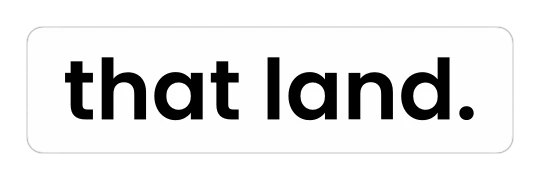

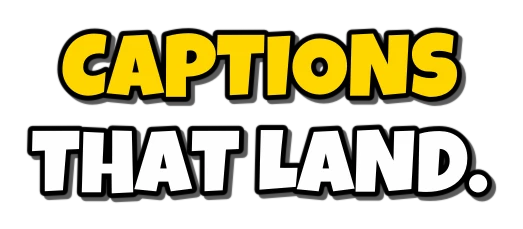
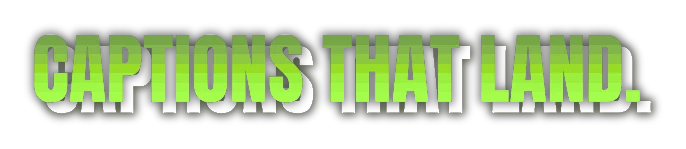


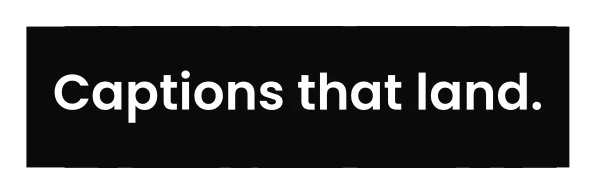





and then change anything Font, size, colour, outline, box, glow, position, animation — or give one caption in the middle of a video a look entirely its own.
Timing
Captions are cut into phrases that read comfortably, and every word keeps the moment it was actually spoken. That is what lets a word fill with colour as you say it, pop as it lands, or type itself onto the screen.
The editor
Drag, type, done. What you change shows on the video as you change it.
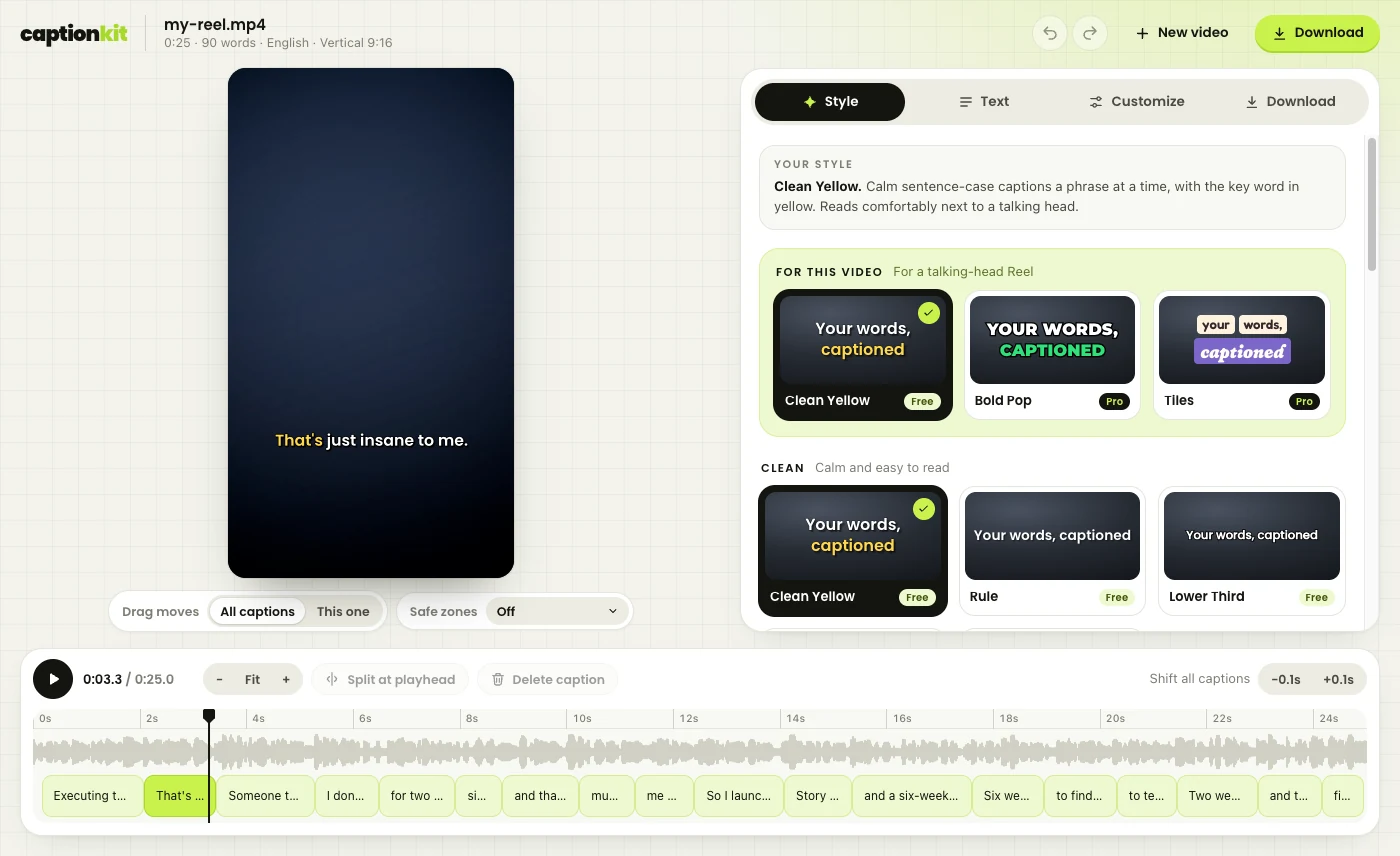
Move the caption on the video, resize from the corner, and get a warning when it slips under Instagram's own buttons.
The waveform and every caption block: drag to move, pull the edges to retime, double-click to retype, split at the playhead.
Reels, Shorts and TikTok overlays drawn where the real buttons sit, so nothing important hides behind them.
Add a .ttf or .otf and it stays in your browser — never uploaded, never shared.
Give a single line another style, colour or size when it needs to hit harder than the rest.
Every edit, all the way back, and your work is remembered per video if you close the tab.
Sound only
Open an MP3, an M4A or a WhatsApp voice note and the words are captioned onto a background of your own: 9:16 for Reels, 1:1 for the feed, 16:9 for YouTube, in whatever colour suits you. Out comes an MP4 with your recording intact.
Podcast clips, voiceovers, a thought you had in the car.
Language
Most caption tools are built for English and treat Hindi as an afterthought. This one is built here: Devanagari renders properly, code-mixed sentences stay readable, and the words a recogniser keeps getting wrong are fixed once and remembered for every video after.
More Indian languages next, in the order you ask for them.
Exports
Exports never count against a quota. Your device did the work, so there is nothing to meter.
Pricing
About a third of the nearest tool, because rendering costs us nothing. We pay only to turn speech into words, so that is all you pay for.
₹0
₹99/mo
₹199/mo
₹399/mo
In a hurry? ₹9 unlocks one export without a watermark, and ₹39 buys a
week of everything with no renewal. Yearly costs ten months. Prices are in
rupees, with GST included wherever it applies.
Paid plans open when we launch. The free tier works today.
No. It is read, captioned and re-encoded inside your browser. The only thing that leaves your device is the sound, compressed to about 0.2 MB a minute, so a speech model can turn it into words. We don't store it, and we never train anything on it.
Because the rendering happens on your machine, not ours. A tool that renders on its own servers pays for every minute you export, so it has to cap you. We aren't paying for it, so we don't.
The editor and the caption files work in any modern browser. Making the MP4 needs the browser to encode video, which Chrome and Edge on a computer do well and Android Chrome manages for short clips. On an iPhone, take the SRT or Final Cut file, or come back to a laptop for the video.
Good, and getting better. Hindi comes back in Devanagari and the Devanagari style renders it properly. For Hinglish we pair an Indian speech model with word-level timings, so the spelling is right and the timing is still exact. Anything a recogniser keeps mangling — a name, a brand — you fix once and it stays fixed.
Yes, on a paid plan: add a .ttf or .otf and it is stored in your browser only. The fonts that come with the app are open-licence ones we are allowed to pass on, so you can use them commercially.
You keep everything until the period you paid for ends, and you are not charged again. Your videos and transcripts were never ours to hold on to.
Five minutes of transcription a month, free, for as long as you want it.